If you are new to IPTV, you will quickly see two terms everywhere: EPG and catch-up. Both make IPTV feel like a proper TV service rather than a list of channels. Here is what they mean and how to use them.
What is EPG?
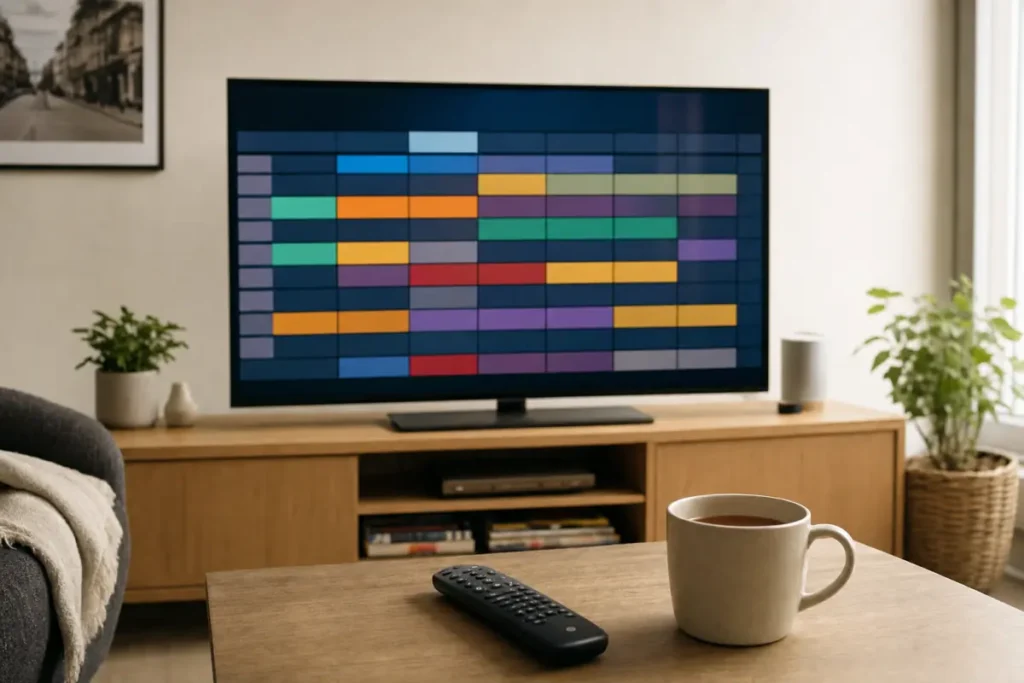
EPG stands for Electronic Programme Guide. It is the TV guide inside your IPTV app: a grid of channels and times that shows what is on now, what is on next and what is coming up later.
With an EPG you can:
- see what is on every channel at a glance;
- read a short description of each programme;
- plan your evening or find when a match kicks off;
- jump straight to a channel from the guide.
Without an EPG, you only see a list of channel names and have to flick through them to find anything.
How does the IPTV EPG work?
Your IPTV provider supplies the guide data alongside your channels. When you log in with your Xtream Codes (Server URL, Username and Password), your app downloads the EPG automatically and matches it to each channel. Telemo includes a full TV guide on every plan.
What is catch-up on IPTV?
Catch-up TV lets you go back and watch programmes that have already been shown on supported channels, usually from the past few days. Missed the Sunday drama or the first half of a match? Open the guide, scroll back to it and press play.
Channels that support catch-up are usually marked with a small clock or rewind icon in the guide.
Catch-up vs video on demand
- Catch-up replays what was shown on a live channel recently, straight from the TV guide.
- Video on demand (VOD) is a separate library of films and series you can start any time, whether or not they were on TV.
With Telemo, VOD is included on every plan, and catch-up is included with Premium. See the Standard vs Premium comparison.
How to use catch-up
- Open the TV guide (EPG) in your IPTV app.
- Find a channel with the catch-up icon.
- Scroll left, back in time, to the programme you want.
- Select it and choose Play or Watch from start.
In TiviMate, you can also press left while watching a live channel to see recent programmes. The exact buttons vary a little between apps.
Why is my IPTV EPG empty?
If your guide shows “No information” or is blank, try these steps:
- Give it a few minutes. The EPG can take a while to download the first time.
- Update the EPG manually. Most apps have an Update EPG or Refresh option in settings.
- Check the time zone. If the guide is an hour out, set your device and app to UK time (GMT/BST).
- Restart the app and your device.
- Log in again with your Xtream Codes rather than an M3U link. Xtream logins load the guide automatically.
Which IPTV apps have the best EPG?
TiviMate is known for the best TV guide on Android TV and Fire TV. IBO Player, IPTV Smarters and iMPlayer all include a guide too. Read our guide to the best IPTV apps for each device.
Get IPTV with a full TV guide
Every Telemo plan includes a full EPG on every channel, and Premium adds catch-up TV so you never miss a show. See IPTV UK plans.