Before you choose an IPTV subscription, it is worth checking one thing: your broadband. IPTV streams live TV over the internet, so the speed and stability of your connection decide whether you get a crisp picture or a spinning wheel. Here is exactly how much internet speed you need for IPTV in HD and 4K.
Recommended internet speed for IPTV
| Picture quality | Minimum per screen | Recommended per screen |
|---|---|---|
| SD | 5 Mbps | 8 Mbps |
| HD / Full HD (1080p) | 10 Mbps | 15 Mbps |
| 4K Ultra HD | 20 Mbps | 25 Mbps or more |
The recommended figures leave headroom for the rest of your household and for the moments when your connection dips.
How much speed for more than one screen?
Add up the screens you watch at the same time. For example:
- One 4K TV and one HD tablet: about 40 Mbps
- Two 4K TVs: about 50 Mbps
- Three HD screens: about 45 Mbps
Remember that phones, laptops, game consoles and smart speakers all share the same connection. Most UK fibre broadband packages of 70 Mbps and above handle multiple IPTV streams comfortably.
Speed is not everything: stability matters
A 100 Mbps connection that drops out every few minutes is worse for IPTV than a steady 40 Mbps. Live TV needs a constant flow of data. Two things to watch:
- Consistent speed. Run a speed test at the time you usually watch, such as a Saturday afternoon or weekday evening, not just in the morning.
- Wi-Fi quality. Your broadband might be fast at the router but slow by the time it reaches your TV. Always test on the device you watch on.
How to test your speed properly
- Open a speed test app or website on your TV, streaming stick or box.
- Pause other downloads and streams in the house.
- Run the test two or three times at your usual viewing time.
- Compare the download speed to the table above.
How to get a faster, more stable connection
- Use Ethernet. A cable from the router to your TV or box beats Wi-Fi every time.
- Use 5 GHz Wi-Fi. Faster and less crowded than 2.4 GHz.
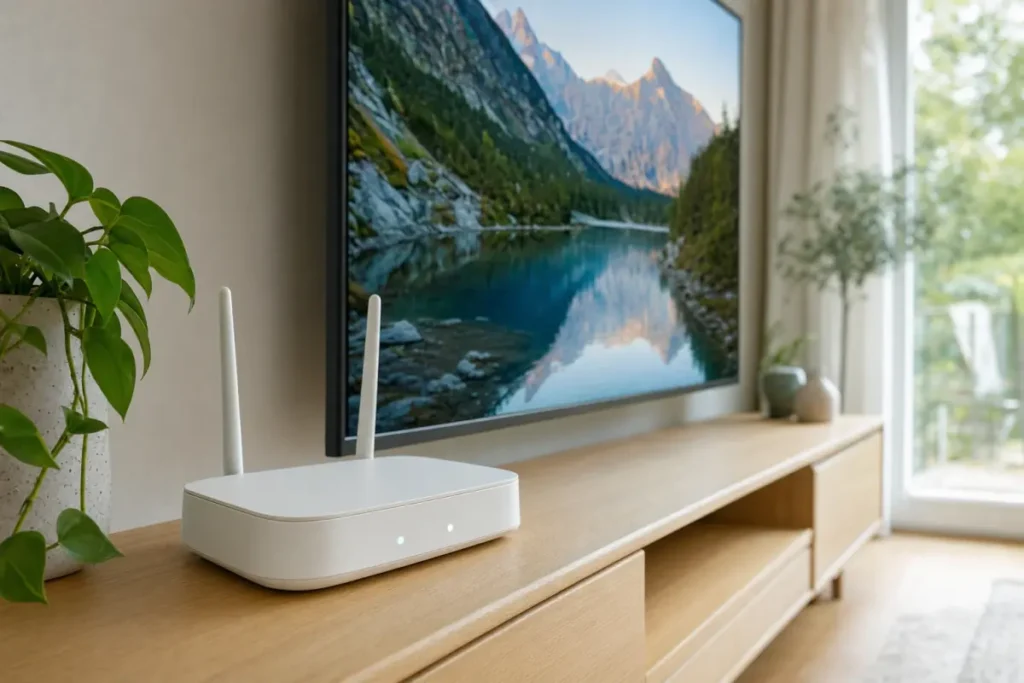
- Move the router. Keep it high up, in the open, and away from thick walls and microwaves.
- Add mesh Wi-Fi or powerline adapters if your TV is in a different room from the router.
- Upgrade your package if your speed is below the recommendations. Full fibre is now available in much of the UK.
Does 4K IPTV need a 4K device?
Yes. To watch in 4K you need a 4K TV and a 4K-capable device, such as a Fire TV Stick 4K, a recent Android TV box or Apple TV 4K. A standard HD streaming stick plays 4K channels in HD.
What about mobile data?
IPTV works on 4G and 5G, but video uses a lot of data: roughly 3 GB per hour in HD and 7 GB or more per hour in 4K. Choose a lower quality in your app settings when you are not on Wi-Fi.
Ready to stream?
If your connection meets the speeds above, you are ready for IPTV. Telemo Standard streams in Full HD, and Premium adds 4K Ultra HD with priority servers at peak times. See IPTV UK plans, or read how to fix IPTV buffering if your stream is not as smooth as it should be.