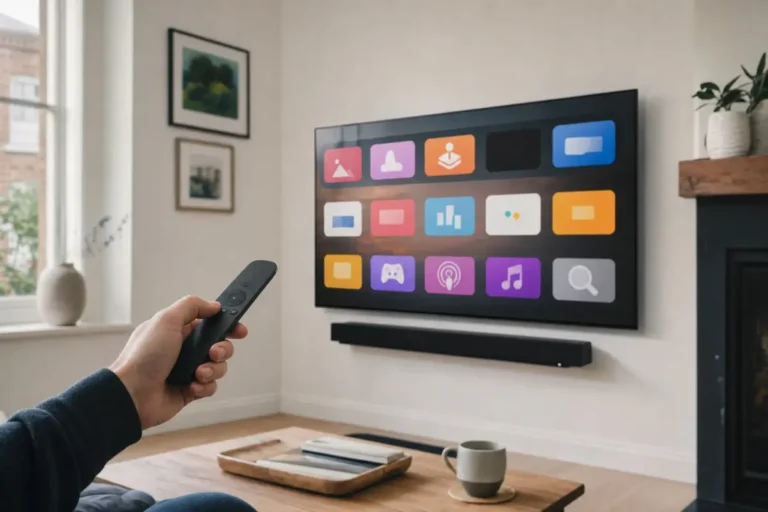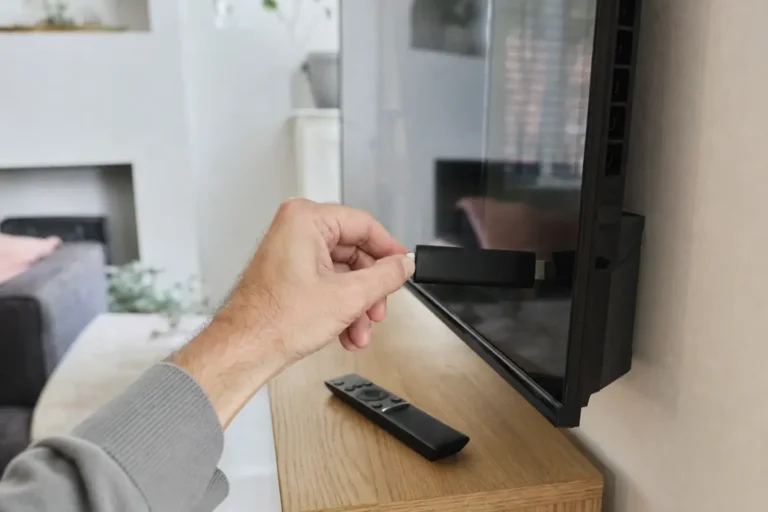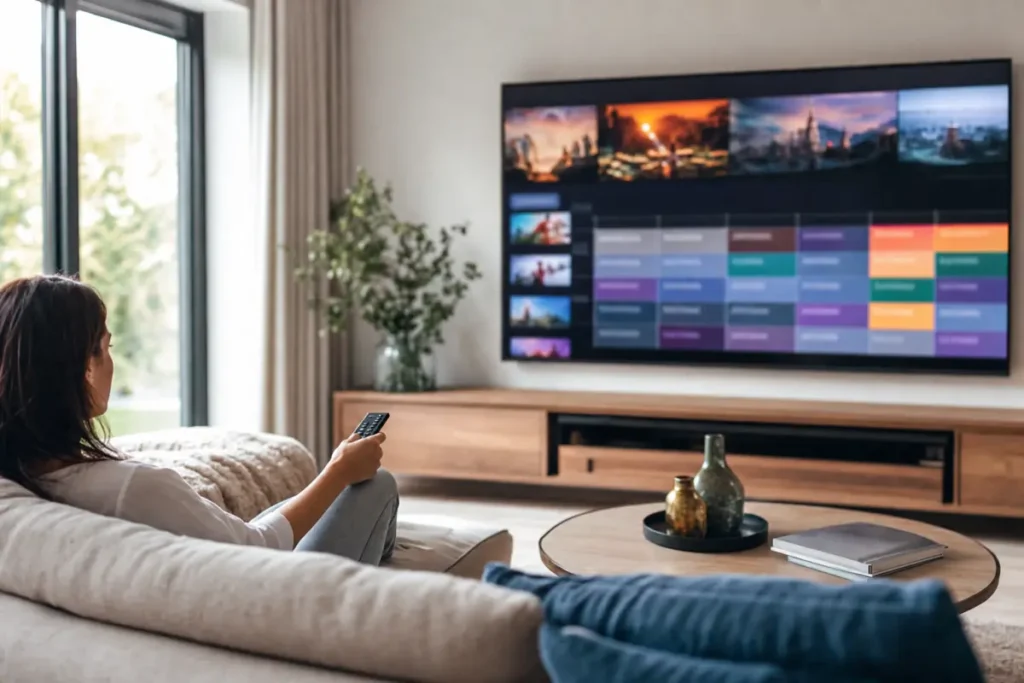
Your IPTV subscription provides the channels, films and series. The IPTV app is the player that turns them into a TV guide you can browse with your remote. Pick the right one and IPTV feels just like cable TV. Pick the wrong one and you get a clunky menu and a guide that never loads.
Here are the best IPTV apps in the UK for each device, and how to choose.
What makes a good IPTV app?
- Xtream Codes login. Lets you sign in with a Server URL, Username and Password, which loads channels, films, series and the TV guide in one go.
- A fast TV guide (EPG). A proper grid showing what is on now and next on every channel.
- Catch-up support. Lets you watch shows from the past few days if your plan includes catch-up.
- Favourites and groups. So you can hide the channels you never watch.
- Regular updates. An app that is still maintained keeps working with new TVs and new software.
Best IPTV apps at a glance
| App | Best on | Why people choose it |
|---|---|---|
| TiviMate | Android TV, Google TV, Fire TV | Fastest TV guide, catch-up, favourites |
| IBO Player | Samsung & LG Smart TVs, Fire TV | Easy setup from your phone |
| IPTV Smarters Pro | Android phones, Windows, Mac | Simple layout for live TV, films and series |
| Smarters Player Lite / iMPlayer | iPhone, iPad, Apple TV | Clean apps from the App Store |
| MyTVOnline | Formuler boxes | Built into the box |
TiviMate: best IPTV app for Android TV and Firestick
TiviMate is the app many experienced IPTV users swear by. Its TV guide looks and feels like a satellite box: a smooth channel grid, a mini preview, favourites, recording on supported devices and catch-up. It runs on Android TV, Google TV, Nvidia Shield and Fire TV.
The free version covers the basics. Many of the best features, such as multiple playlists and catch-up, are in the paid Premium version, which is a small payment to the app developer.
Choose TiviMate if: you watch a lot of live TV and want the best TV guide.
IBO Player: best IPTV app for Samsung and LG Smart TVs
Samsung and LG Smart TVs cannot run most Android apps, so your choice is smaller. IBO Player is available in the Samsung and LG app stores, as well as on Fire TV and Android. You add your IPTV playlist on the IBO Player website using the Device ID shown on your TV, which is much easier than typing a long URL with a TV remote.
IBO Player usually offers a free trial and then asks for a one-off activation fee to the developer. Telemo customers can message support before paying anything.
Choose IBO Player if: you want to watch IPTV directly on your Smart TV without an extra box. See our guide to IPTV on Samsung and LG Smart TVs.
IPTV Smarters Pro: best IPTV app for Android phones and computers
IPTV Smarters Pro has a simple home screen with separate buttons for Live TV, Movies, Series and Catch-up. It is easy to understand, which makes it a good first IPTV app. It is available for Android phones and tablets, and as a desktop app for Windows and Mac.
Choose IPTV Smarters Pro if: you mostly watch on a phone, tablet or laptop.
Smarters Player Lite and iMPlayer: best IPTV apps for iPhone and Apple TV
On Apple devices, apps come from the App Store only. Smarters Player Lite and iMPlayer both support Xtream Codes login, live TV, films and series, and work on iPhone, iPad and Apple TV.
Choose them if: you use Apple devices. Setup takes about five minutes.
How to choose the best IPTV app for you
- Start with your device. On a Samsung or LG TV, IBO Player is the easiest. On Android TV or Fire TV, try TiviMate. On Apple, use Smarters Player Lite or iMPlayer.
- Think about how you watch. Mostly live TV and sport? A strong TV guide matters most. Mostly films and box sets? A clear on-demand library matters more.
- Try before you pay. Most apps have a free version or trial. Test them with your subscription before buying any upgrade.
Does the IPTV app affect picture quality?
Not much. Picture quality depends mainly on your IPTV provider, your internet connection and your device. A good app makes the experience smoother, with faster channel switching and a better guide. It will not turn an HD stream into 4K.
Get set up in minutes
Telemo works with all the apps above. Our installation guide has step-by-step instructions for every device, and our UK support team can help you choose the best app. See IPTV UK plans.