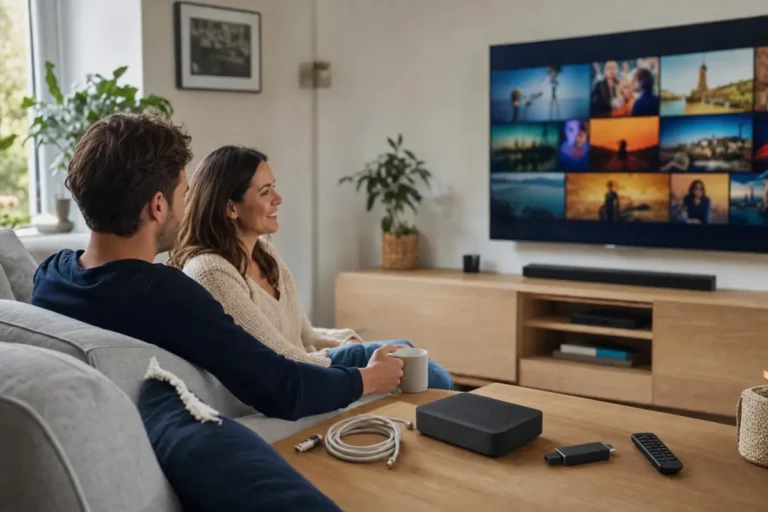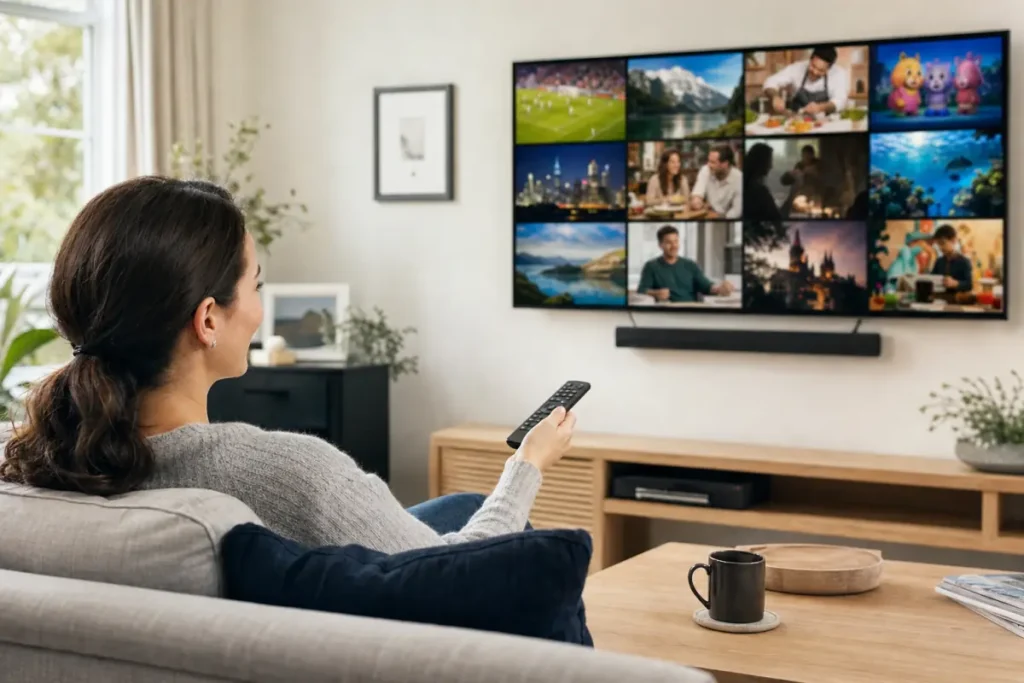
The first thing most people ask before they subscribe is simple: what channels do I actually get? A good IPTV channels list for the UK in 2026 should cover the UK channels you watch every day, plus sport, films, kids and news, and it should be easy to check before you pay.
This guide explains what is normally in an IPTV channel list, how the categories are organised, what to look for in HD and 4K, and how to test any list on your own TV so there are no surprises.
What is an IPTV channels list?
An IPTV channels list is the full line-up of live TV channels available through your IPTV subscription. Instead of a fixed package from a satellite or cable provider, the channels arrive over the internet and appear inside an app, grouped by country and category, with a TV guide (EPG) showing what is on now and next. Most services add a video-on-demand library of films and series on top. See our guide to EPG and catch-up on IPTV for how the guide works.
UK channels: the core of any good list
For UK viewers, the list should start with the channels you already watch: national and regional UK channels for entertainment, drama, news, films, kids and sport. That is the part to check first, because it is what you will use every day. A strong UK IPTV list also includes a full TV guide and, on higher tiers, catch-up so you can go back and watch a programme you missed.
IPTV channel categories you should expect
| Category | What it usually covers |
|---|---|
| Sport | Football, F1, boxing, cricket, rugby, tennis, golf, darts and US sports, plus PPV events on some tiers |
| Films | Film channels around the clock and an on-demand library with new releases added regularly |
| Entertainment | UK and international entertainment, drama, reality, comedy and quiz shows |
| News | UK and world news, live 24/7, in English and many other languages |
| Kids and family | Cartoons, pre-school and family channels, often with a separate kids section |
| Documentaries | Nature, history, science, travel and true crime |
| Music | Music video and concert channels |
| Lifestyle | Food, home, travel, motoring and shopping |
| Religious | Faith channels in English, Arabic, Urdu, Hindi and more |
International channels in the UK
One of the biggest advantages of IPTV is how many international channels it includes. If your family speaks another language, you can watch news, entertainment and sport from home in the same app as UK TV. Telemo’s line-up covers the UK and Ireland, Europe, the US, the Arab world and South Asia, including Arabic channels and Indian, Pakistani and Bangladeshi channels. Browse the full Telemo channel list by country to see what is available for you.
Live sport channels
Sport is the category people care about most, and it is where a list matters most. Check that the sports you follow are covered and that the service stays smooth when thousands of people are watching the same game. Read our guide to watching live football on IPTV in the UK for the device, connection and settings that make match day work.
HD, Full HD and 4K channels
Most live channels stream in HD or Full HD, and 4K is available where a 4K stream exists. A few things to know:
- Full HD (1080p) looks excellent on most TVs and is more forgiving on average broadband.
- 4K needs a 4K TV, a capable device and a faster, steadier connection. Aim for about 25 Mbps per 4K screen.
- Not every channel is 4K. Be wary of any list that claims every channel is 4K.
Our guide to the internet speed you need for IPTV has the full table.
How many channels is “enough”?
Large numbers are easy to print and hard to verify. Telemo offers access to 34,000+ live channels and 195,000+ films and series, but for most households the number that matters is smaller: do the 30 to 50 channels you really watch work well? A list with fewer channels that are all stable beats a huge list full of dead links. That is why we suggest you always test the channels you care about.
How to check an IPTV channels list before you pay
- Write down your must-have channels: your regular UK channels, your sport, your kids’ favourites, and any international channels.
- Start a free trial and search for each one in the app. A free 24-hour IPTV trial lets you do this on your own device.
- Test the TV guide. Does it load quickly and show the right programmes?
- Test at peak time. Try an evening or a weekend match, when servers are busiest.
- Check the picture quality on your main TV in HD, and in 4K if you have it.
- Read the terms and refund policy before paying. See our guide to choosing the best IPTV provider in the UK.
Which device is best for browsing the channel list?
A device with a fast, responsive app makes a large channel list far easier to use. A Fire TV Stick, an Android TV box, an Apple TV or a recent Smart TV all work well. Follow our Firestick setup guide or the guide for Samsung and LG Smart TVs, and see our pick of the best IPTV apps. Tip: favourite your top channels so they are always one click away.
Frequently asked questions
What channels do I get with an IPTV subscription in the UK?
You normally get UK entertainment, drama, news, films, kids and sport, plus international channels and an on-demand library. Check the channel list and try the free trial to confirm your favourites.
Does IPTV include UK channels?
Yes. A UK-focused IPTV service starts with UK channels and a full TV guide. Telemo’s list is built around UK viewers first.
Can I watch international channels on IPTV in the UK?
Yes. The Telemo line-up includes channels from Ireland, Europe, the US, the Arab world and South Asia in the same app.
Are all IPTV channels available in 4K?
No. 4K is available where a 4K stream exists. Most channels stream in HD or Full HD.
Is the channel list updated?
Channel lists change over time, and on-demand films and series are updated weekly. Check the list in the app for the latest line-up.
Can I get a free trial to check the channels?
Yes. Telemo offers a free 24-hour trial. Message us on WhatsApp or email support@telemo.uk to request one.
See the full list on your own TV
The best way to judge a channel list is to watch it. Browse the full channel list, start a free 24-hour trial, and when you are ready, compare the plans. Questions about a specific channel? Message our support team on WhatsApp and we will check for you.